> ## Documentation Index
> Fetch the complete documentation index at: https://docs.altitude.xyz/llms.txt
> Use this file to discover all available pages before exploring further.
# The global operating account
> Manage USD and EUR Accounts, global Payments, corporate cards, and financial operations in Altitude.
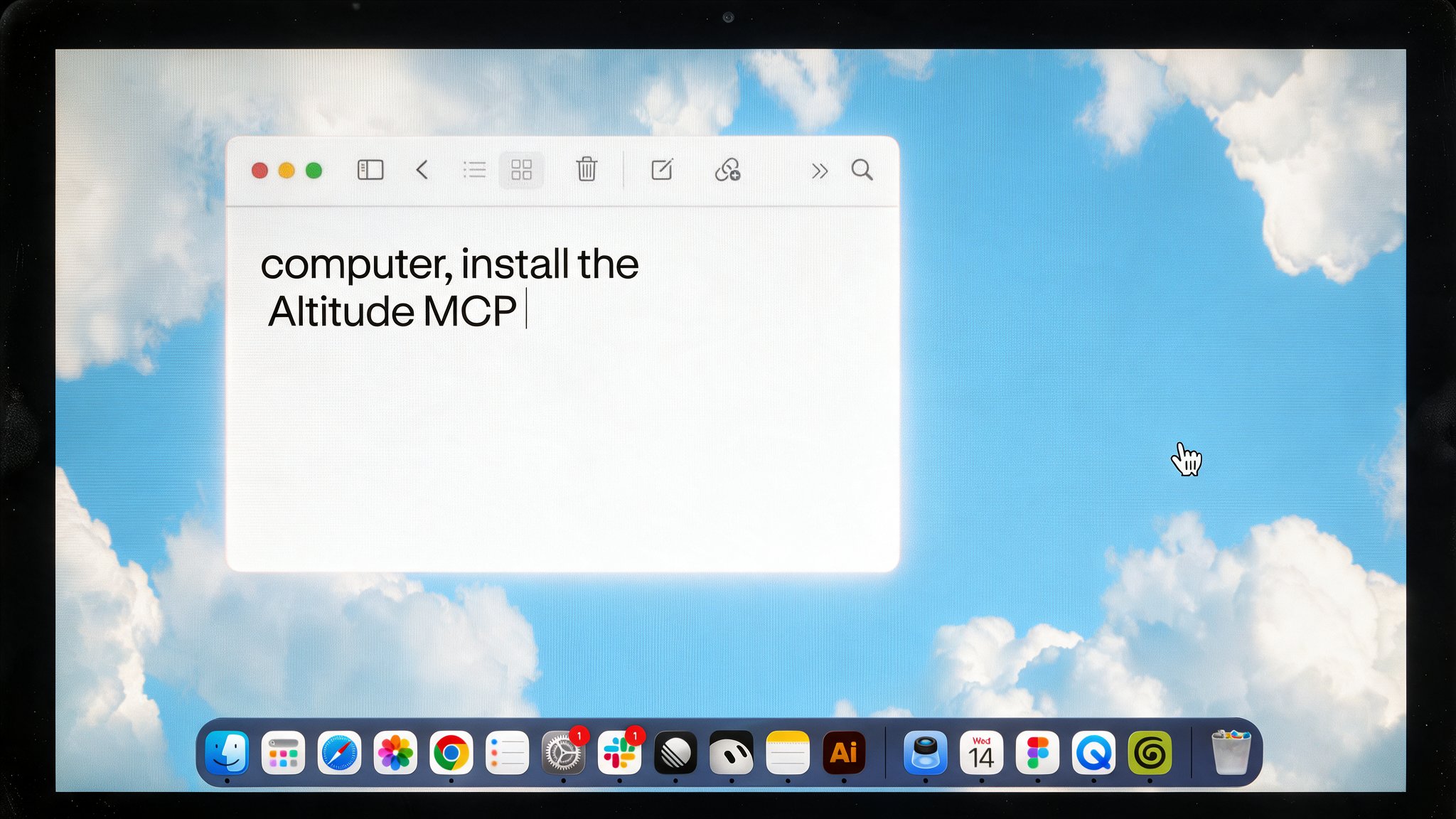 Altitude brings Accounts, Payments, cards, and financial operations into one place. Collect from customers, Pay suppliers, and manage your team’s spending across borders, with Permissions and approvals set by your business.
[Learn more about Altitude](https://altitude.xyz).
## Get started
Connect your AI assistant to view Workspaces, Account balances, and
Transactions.
Sign in to Altitude to manage your Accounts and financial operations.
## Explore Altitude
Operate in USD and EUR, collect customer Payments, and manage balances in
one place.
Pay suppliers and run payroll through local banking and stablecoin rails.
Give your team spending access with virtual cards, limits, and policies.
Bring bills, receipts, and approvals into the same workflow as your money.
This documentation is built and hosted on [Mintlify](https://mintlify.com), a developer documentation platform.
Altitude brings Accounts, Payments, cards, and financial operations into one place. Collect from customers, Pay suppliers, and manage your team’s spending across borders, with Permissions and approvals set by your business.
[Learn more about Altitude](https://altitude.xyz).
## Get started
Connect your AI assistant to view Workspaces, Account balances, and
Transactions.
Sign in to Altitude to manage your Accounts and financial operations.
## Explore Altitude
Operate in USD and EUR, collect customer Payments, and manage balances in
one place.
Pay suppliers and run payroll through local banking and stablecoin rails.
Give your team spending access with virtual cards, limits, and policies.
Bring bills, receipts, and approvals into the same workflow as your money.
This documentation is built and hosted on [Mintlify](https://mintlify.com), a developer documentation platform.